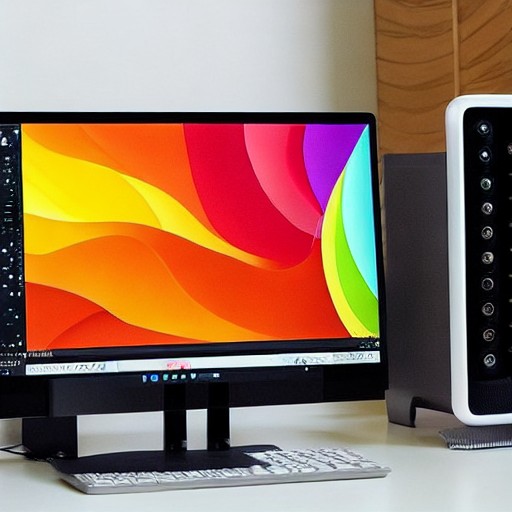
The Mac Mini is back, and with it comes the eternal quest for the perfect monitor. Whether you're a hobbyist or a content creator, choosing the right screen can greatly enhance your Mac experience. Monitors like the Dell 27 Plus 4K and the Apple Studio Display XDR offer both performance and adjustability, ensuring a comfortable and visually pleasing workspace. Key considerations include size, resolution, refresh rate, and ports. Apple’s dedication to pixel density makes 4K and above a must, while the addition of features like height and tilt adjustability can make all the difference. Understanding macOS’ complex scaling and the limitations of 4K resolutions can help navigate the sometimes confusing world of external displays.
For those who want to create, design or simply stream, the investment in a high-quality monitor is worth it. The BenQ MQ270S and Asus ProArt 27 QD-OLED are among the top contenders, offering superior image quality and performance. However, the latest addition, the Apple Studio Display XDR, stands out with its sleek design and impressive specs, making it a compelling choice for any Mac user.
When it comes to connectivity, Thunderbolt ports offer the flexibility needed for multiple monitors, with HDMI as a reliable fallback. But don’t forget about monitor arms and stands; they can transform your setup and improve your posture.
With Apple’s ecosystem at the forefront, the challenge lies in finding monitors that can keep up with the high standards set by their Macs. Whether you’re looking for a basic 27-inch or a premium 32-inch with ultrawide support, the options are plentiful. The key is to choose a monitor that not only fits your budget and needs but also enhances your overall Mac experience.