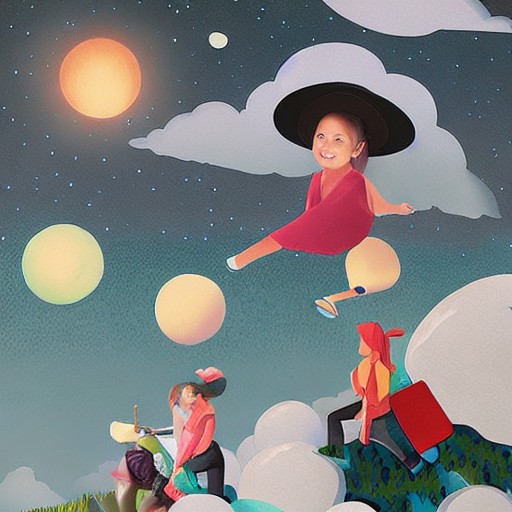
How can you turn a simple doodle into a visually stunning surreal dreamscape? In this workshop, learn how to transform your sketches into completed illustrations using Photoshop. From ideation and blockouts to custom brushes and layer modes, discover the flexible workflow that keeps your creative process loose and painterly.
The Dreamer series is a personal collection that serves as an emotional outlet through illustration. Whether you start with a traditional sketch or digital doodle, the key is to build images gradually through experimentation and refinement. This tutorial shows how to create depth, atmosphere and texture using brushes, layer modes and gradients.
Throughout the process, keep your canvas grey-toned initially to maintain flexibility. Use custom brushes for layers, like grass and rocks, ensuring each element can be edited independently. The Navigator panel is a lifesaver, helping manage detail and focus on what truly matters in the composition.
This article isn’t just about creating art; it’s about capturing your innermost thoughts and emotions. So grab your tablet, open Photoshop, and let your imagination run wild—because every doodle could be the start of something beautiful.