I test a lot of gadgets, and most of them my husband ignores. Every once in a while, there's something that impresses him. This year, it was the digital wall calendar. But not just any. I’m specifically recommending Skylight’s digital wall calendars.
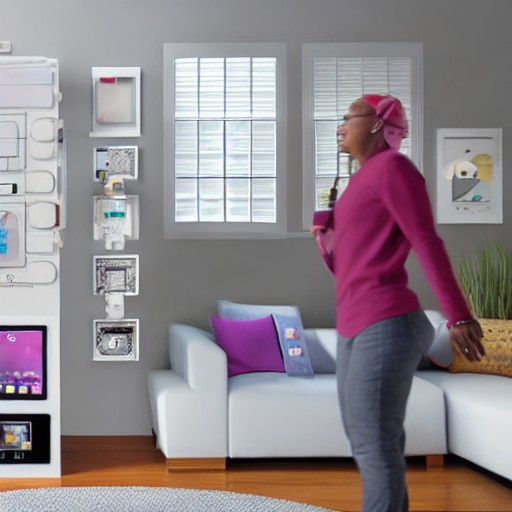
It's a digital screen that sits in your home (I personally like it in the kitchen) to show you your calendars, and gives you tabs for to-do lists and chores for the whole family, meal plans and recipes to stay organised for the week, and some even switch to be a digital photo frame when not in use. Skylight’s calendars, like the Skylight Calendar 2, are the most intuitive to use and do a great job as a digital photo frame since Skylight has been making those for years.
The only downside is Skylight does require a subscription to access all of its features, including photo mode. A few different sizes are on sale for Prime Day. The Skylight Calendar 2 is the one I use, and its 15-inch screen is the perfect size to put on my kitchen counter without taking up too much space. The best price right now is on the black border on Amazon during Prime Day; otherwise, it'll be cheaper on Skylight's own website.
The Skylight Calendar Max is also on sale for Prime Day, with a much larger 27-inch screen. It was a bit large for my liking, but WIRED reviewer Chris Haslam had a good experience with it. I was surprised how much I liked these devices. The first one I tried (which wasn't a Skylight), I didn’t enjoy, but Skylight’s calendars quickly reflected all of my calendars and made it easy to add recipes and meals to its tabs so I could feel more organised going into each week.
My husband and I like that we can tap and check out the calendar together rather than pulling out our phones while we’re having a conversation in the kitchen. I’m even excited to use the chore tracker with my son as he gets older. Buying either one of these devices on Skylight’s website will also get you a free month of Skylight Plus. Skylight Plus ($79 a year) is required to get access to all of the features on Skylight's calendars, including meal planning, photo mode, and Magic Import that will let you forward emails and documents to be converted into calendar events. You can still use this calendar without it, but the photo screensaver is one of my favorite features to make it something we’re always enjoying, whether we’re checking our calendars or meal plans or just walking by a picture of our family.