iOS 27 is shaping up to be a treat for tech enthusiasts with its array of thoughtful user interface adjustments. From the clarity of Liquid Glass elements to the versatility of widgets, these updates are like getting a fresh coat of paint on your digital life.
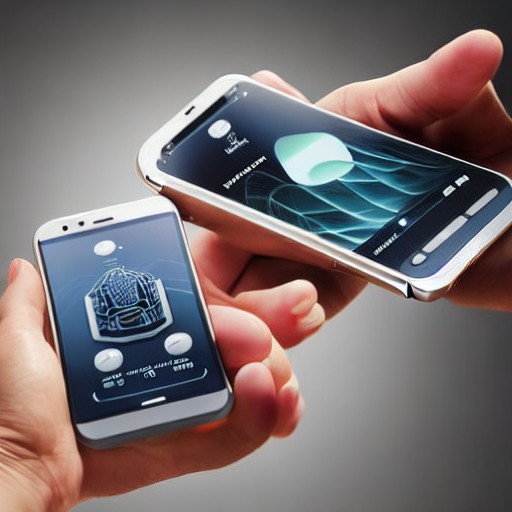
The new opacity slider for Liquid Glass, for example, allows for a more nuanced viewing experience. You can now easily see through tab bars to whatever’s underneath without compromising readability. It’s like having a window that lets you peek at the garden while keeping the rain outside.
Another highlight is the upgrade in app icons. The subtle tweaks—more glassy textures and refined color schemes—are making everything feel more polished than ever before. It's as if Apple has brought a bit of its flagship iPad Pro aesthetic to my phone, albeit in a slightly more restrained manner.
The ability to set independent volumes for different types of alerts is a game-changer too. Finally, you can adjust your ringtone volume without affecting the volume of your notifications or alarms. It’s like having control over each part of your digital life, rather than a one-size-fits-all solution.
And then there are the extra large widgets that dominate an entire screen, yet still offer a comprehensive view. They’re not just huge—they’re useful, making it easier to glance at a calendar or manage to-do lists with a single tap. It’s all about efficiency and ease of use, even if I’m not a fan of widgets.